Computer Electronics
Tested solutions, practical tips, and helpful guides for computer electronics.
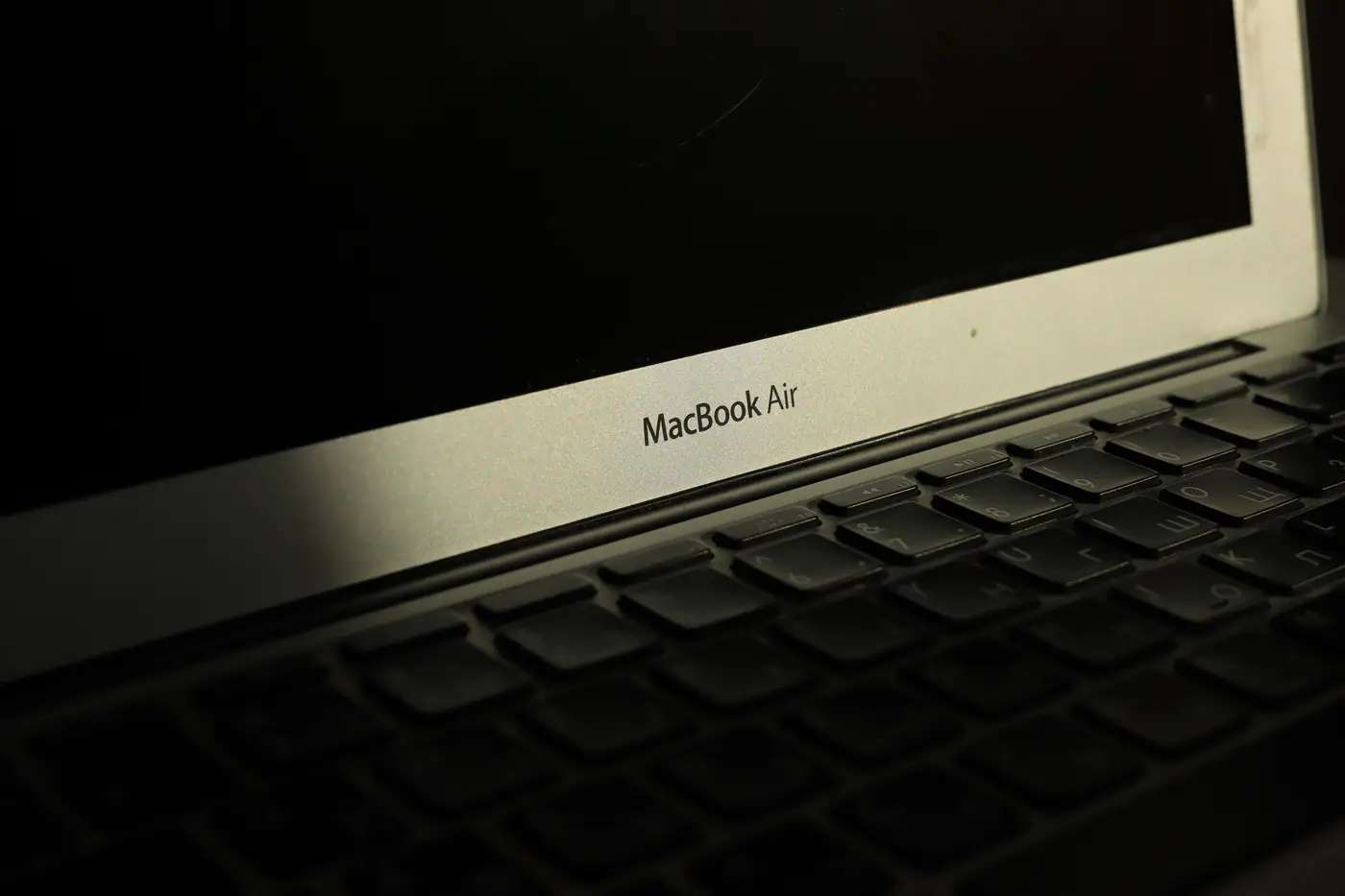
How to Mastering the Macbook Air: Easy Step-by-Step Guide
Looking to master mastering the macbook air? The MacBook Air M5 is a great computer for users. It has fast performance and easy-to-use features that make your digital life easier.
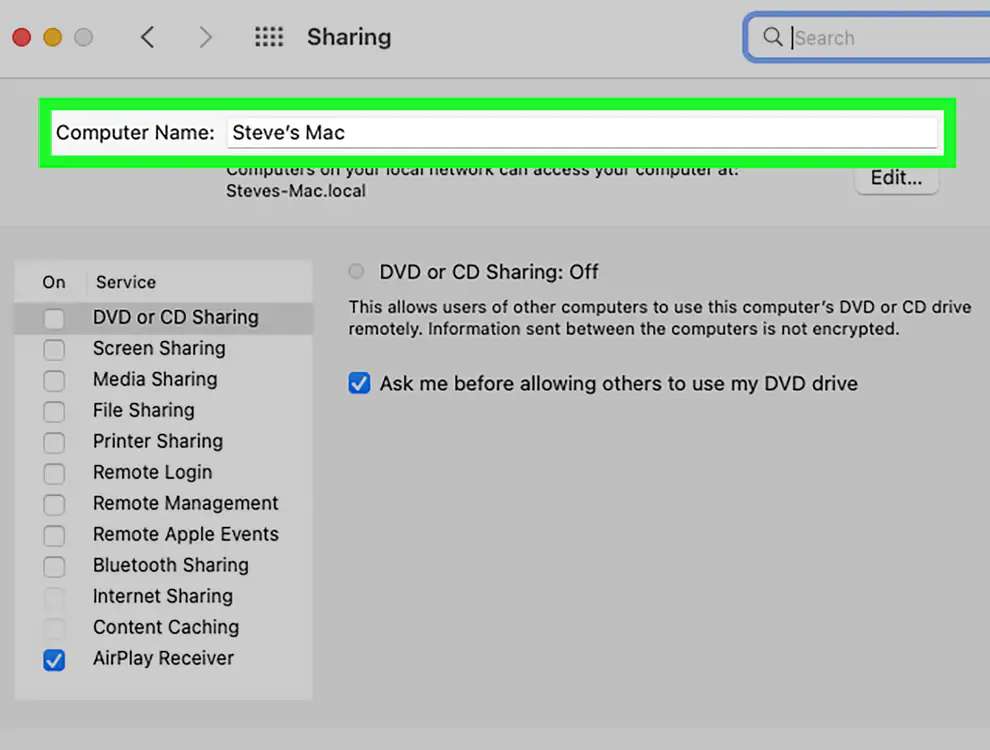
How to Find Name of Your Computer: A Guide for Windows 10/11 and Mac Users
Discover easy ways to find your computer's name: for windows 10/11 and mac. Complete practical guide
Practical Tech Support, Device Setup, and Troubleshooting
Technology should make life easier, not more stressful. Our computer and electronics tutorials help you solve operating system issues, configure home gadgets, and maintain devices so they run smoothly.
We break down technical tasks into clear, step by step instructions with helpful screenshots. Whether you use Windows, macOS, Android, or iOS, we help you fix common errors without needing expensive professional repair.
We also provide essential advice on data backup, device security, and privacy settings to protect your important digital files.
From network troubleshooting to everyday shortcuts, our guides turn confusing technical problems into simple, manageable steps.
Frequently Asked Questions about Computer Electronics
Do I need technical skills to follow these guides?
No, each guide provides clear step by step instructions that beginners can follow without advanced technical training.
Which operating systems and devices are covered?
We publish tutorials for Windows, macOS, Linux, Android smartphones, tablets, and smart home gadgets.
Are data security and privacy practices included?
Yes, we teach readers how to back up important files, manage app permissions, and protect online accounts securely.
What should I do if a software step does not match my screen?
Check the version notes in our guide or reach out to our team via the contact form with your exact operating system version.