How to Mastering the Macbook Air: Easy Step-by-Step Guide
Looking to master mastering the macbook air? The MacBook Air M5 is a great computer for users. It has fast performance and easy-to-use features that make your digital life easier.
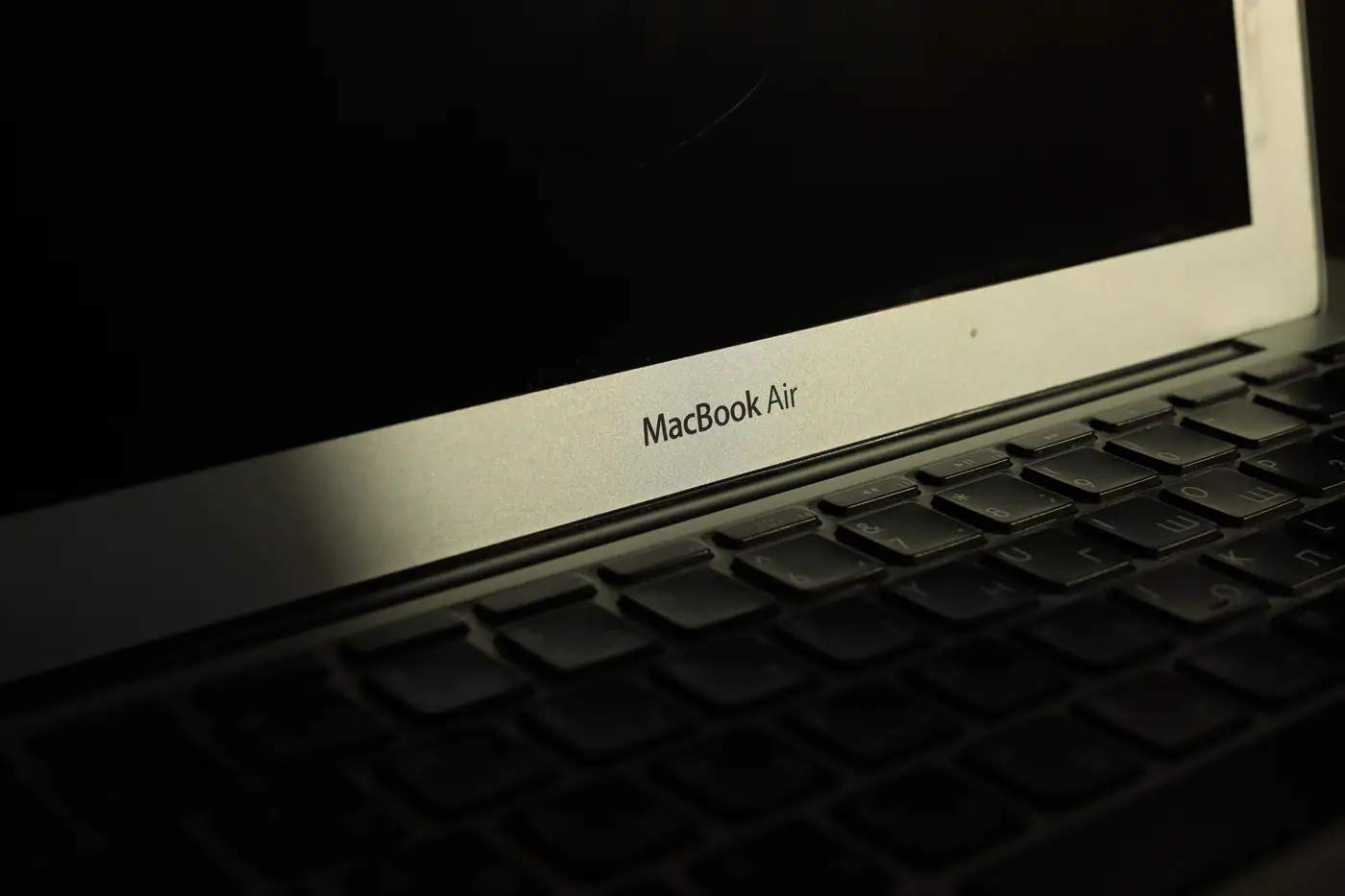
Introduction to MacBook Air M5 Basic Features
Congratulations on getting your new MacBook Air M5! This cool computer has lots of neat features that will make your life easier. But if you're new to Mac, some of the stuff might seem a bit confusing.
In this guide, we'll go over the basics and some helpful tips to get you started. We'll show you how to use your new MacBook Air M5 and explain some useful features that can make your work smoother. Let's get you up and running with your new computer!
Basic Features for New Users: MacBook Air M5
The MacBook Air M5 has a special chip made by Apple. It's really good at handling tasks, whether you're doing simple stuff or more demanding work. It has 10 cores for the CPU and either 8 or 10 cores for the GPU, which helps it work smoothly.
MacBook Air M5: Basic Hardware Specs
Sure, here are the basic features for new users of the MacBook Air M5:
- Chip: It has an Apple M5 chip with 10 cores for the CPU and 8 or 10 cores for the GPU.
- Display: You can choose between a 13-inch or 15-inch Liquid Retina display.
- Storage: It starts with 512GB SSD, which is double the base capacity of the previous models. The SSD is also faster.
- Memory: It can have up to 32GB of unified memory.
- Battery: It lasts all day.
- Other: It supports Wi-Fi 7.
Overview of macOS 27
The MacBook Air M5 has the newest macOS, called "macOS 27." It's got a clean look and is easy to use. Apps are designed to show you what you need, and you can make your Mac look just the way you like it. There are lots of customization options.
Features to Make Your MacBook Air M5 Even More Convenient
macOS has lots of helpful features to make your MacBook Air M5 work better and feel more user-friendly. Here are some features you should know about:
Trackpad Gestures Explained
Sure thing! Here’s how to use the trackpad on your MacBook Air M5:
- Use two fingers to scroll: Move up, down, left, or right on web pages and documents.
- Use two fingers to pinch: Make images and web pages bigger or smaller.
- Use three fingers to drag: Move windows around.
- Use four fingers to swipe: Switch between full-screen apps or desktops.
- Use your thumb and three fingers to pinch: Open Launchpad.
Spotlight Search Basics
To use Spotlight, press Command (⌘) + Space bar. It's not just for finding files. You can also launch apps, do quick calculations, search the web, or look up words in a dictionary.
Quick Look at MacBook Air M5 Features
To preview most files, just pick a file and press the spacebar. This lets you see what's inside without opening the file fully. It's really handy when you want to quickly check something out.
Universal Clipboard and Handoff Explained
Sure thing! Here’s how it works:
On your iPhone or iPad, you can copy text or pictures. Then, you can paste them right into your MacBook Air M5. It’s super easy!
Also, with Handoff, if you were reading a webpage or writing an email on your iPhone, you can switch to your MacBook Air M5 and continue right where you left off. It’s like picking up your work exactly where you stopped!
AirDrop Basics
On your MacBook Air M5, you can share photos, videos, and documents wirelessly with other Apple devices nearby. It's easy and quick, no cables or email needed.
Unlocking with Apple Watch
If you have an Apple Watch, your MacBook Air M5 will unlock as soon as you open it. This means you don't have to type in a password, so you can start working right away while staying safe.
Getting Started with MacBook Air M5 Features
This feature helps you manage lots of apps and windows. The one you're working on right now is in the middle, and the others show up as small pictures on the left side. This keeps your desktop tidy and lets you switch to the windows you need really fast.
Summary of Basic Features for New MacBook Air M5 Users
Sure, here are the basic features of your MacBook Air M5 that you can try out:
- The Touch ID on the power button lets you log in quickly and easily.
- The Touch Bar at the top of the keyboard shows useful information and lets you control things like volume, brightness, and more.
- The Force Touch trackpad lets you do things like tap, swipe, and press for different actions.
- The Retina display gives you a clear, sharp picture on your screen.
- The Apple M1 chip makes everything run smoothly and quickly.
Give these features a try and see how they can make your daily life easier and more productive!
Alex Novak
Hardware Systems & PC Specialist
Computer engineer and custom PC builder with a focus on component troubleshooting, thermal optimization, and system diagnostics.
Did this guide help you?
Your feedback helps us keep WeGuideHow accurate, tested, and clear.
Read Full Article
Relevant articles and tested guides you might find helpful next.
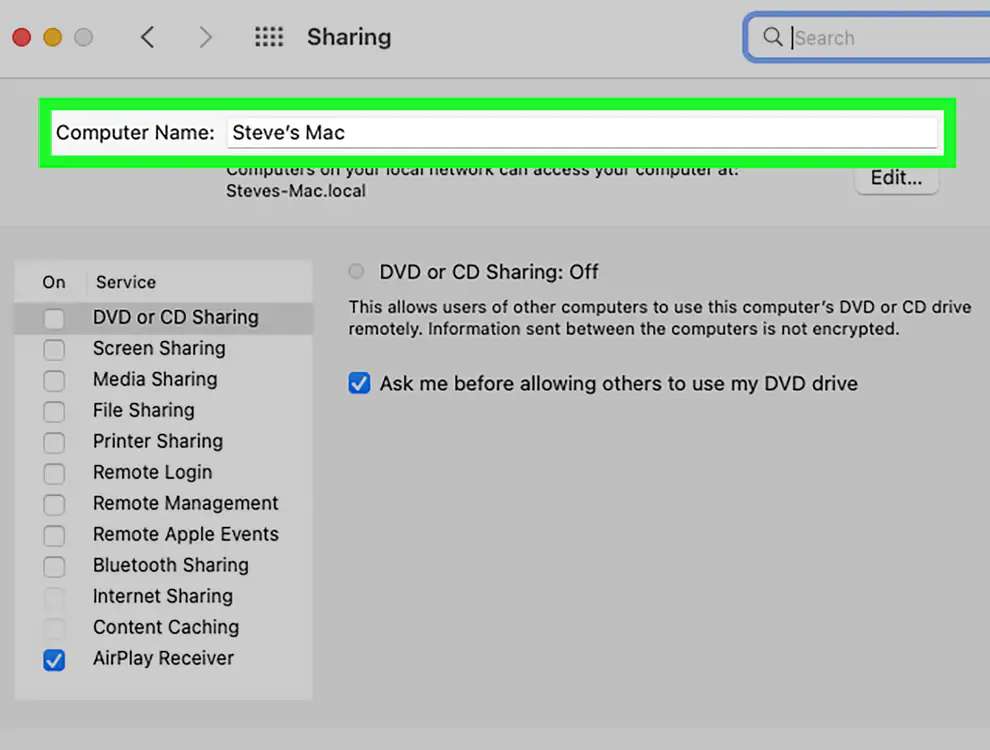
How to Find Name of Your Computer: A Guide for Windows 10/11 and Mac Users
Discover easy ways to find your computer's name: for windows 10/11 and mac. Complete practical guide

Robert Pattinson's Path to James Bond 007 Role
Lets take a look at robert pattinson's path to james bond 007 role, Pattinson has head start for James Bond as he has already worked with Denis Villeneuve on Dune: Part Three

How to Stop Google from Using Your Gmail and Drive Data...
Looking to master stop google from using data? You'll learn how to prevent Google from using your Gmail and Drive data for ads, ensuring your personal information is safer and your online experience remains more private.