Had enough of your Facebook feed feeling gloomy? Want to keep those uplifting posts front and center while fading out the not-so-great ones? It's time to take control of your feed! While Facebook may not have a magic reset button, you can definitely curate your content to better suit your mood. Start by deciding which topics and people you want more of, and which ones you'd rather see less of. This will help the algorithm learn your preferences. Need a little peace and quiet? Use the Friends and Favorites feeds to sideline those suggested posts that just don't speak to you. Step by step, make your feed a more enjoyable space!
Internet & TelecomArticle & Insights
Tips to Tune Your Facebook Feed for Better Content
Tips to Tune Your Facebook Feed for Better Content is a rewarding project. By tweaking your Facebook settings, you can easily block out irrelevant content and highlight the posts from your favorite friends and pages.
By WeGuideHow Team·Updated Oct 26, 2026

Sure thing! To get a clearer feed on your mobile app, head over to the menu (that's the ☰ icon), then tap on Settings & privacy, and find Settings. From there, tap on Content preferences to tweak what you see. It's like curating your own content library, adjustments here can really help you filter out what's not serving you and keep the good stuff right at your fingertips!
On Facebook Desktop, start by clicking your profile picture in the top-right corner. From there, scroll down to "Settings & Privacy," then dive into "Content Preferences." This is where you can really customize what you see, fine-tuning your feed to show the type of content you love most.
Want to curate your Facebook feed for better content? Start by marking posts as "Interested" or "Not Interested" to refine what you see. Snooze posts you don't like for a few days, and unfollow pages that aren't adding value. Don't forget to interact with the content you enjoy, the more you engage, the more of that type of content you'll see in the future!
Need a more personalized Facebook feed? Give it a revamp by setting the Friends feed to exclusively show posts from your close connections. Or, get creative with the Favorites feed, craft your own custom lineup of up to 30 friends and Pages whose content you can’t wait to see each day!

Want to see more of what you love on your Facebook feed? Start by tidying up your connections! Unfollow those friends, Pages, and groups whose content doesn't resonate with you. The more you follow or interact with people posting a certain type of content, the more of that you'll see. Maybe you’re flooded with travel tips because you have lots of travel buddies in your feed. To change course, simply navigate to a friend's profile and click on "Following." From there, choose “Unfollow.” Rest assured, your friends won't even know you made the change!
For a tidy makeover, start by taking a look at the Pages you follow. Head over to the Page you want to unfollow, and you'll find a little "Liked" or "Following" link. Just tap or click on it, and you'll see an option to Unfollow. It's quick and easy, and you'll notice your feed start to look less cluttered right away!
Got some groups on your Facebook feed that are cluttering up your scroll? No worries, it’s easy to take care of that! Just head over to the group page, look for the "Joined" button (it might be a tiny icon, so make sure you zoom in if needed), and tap or click on it. From there, simply tap or click "Unfollow group." Poof, it’s gone from your feed, making room for the content you truly care about.
Tweak your Facebook feed to get the content you love! Start by liking, commenting, and sharing posts that resonate with you. Whether it's photos, videos, or updates from your friends and pages, your interactions are like giving clues to the Facebook algorithm. Want to see more of your favorite TV shows, musical artists, or video games? Dive in by searching for these topics and engaging with them. Leave thought-provoking comments, share posts with your friends, and follow some interesting Pages and profiles – the more you interact, the better your feed will get. Happy exploring!
Did this guide help you?
Your feedback helps us keep WeGuideHow accurate, tested, and clear.
Recommended for you
Read More
Relevant articles and tested guides you might find helpful next.

Internet & Telecom
How to Stop Google from Using Your Gmail and Drive Data...
Looking to master stop google from using data? You'll learn how to prevent Google from using your Gmail and Drive data for ads, ensuring your personal information is safer and your online experience remains more private.
Easy
Read 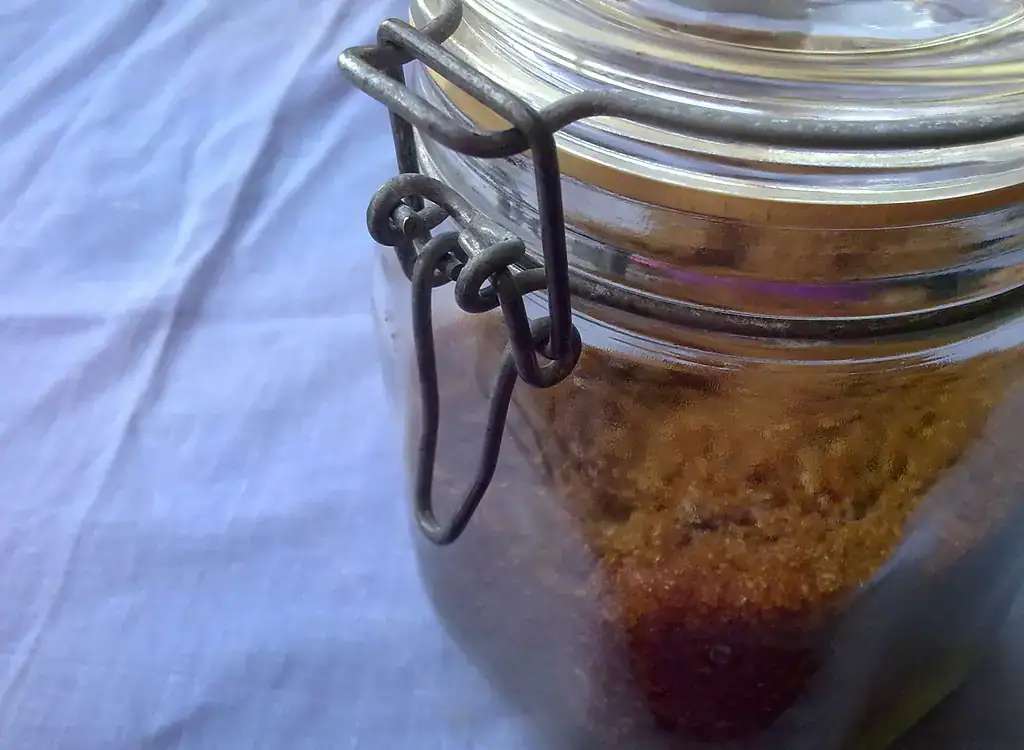
Food & Drink
Tips for Softening Brown Sugar
Learn four simple tricks to rescue your hard brown sugar and have it ready for baking your favorite recipes, like Soft Brown Sugar Cookies or a Brown Sugar Strawberry Frosted Cake.
Read

Health
Tips for Starting Your Baby on Solids
Learn how to introduce solids to your baby and set them up for a lifetime of healthy eating habits, as you explore new tastes, textures, and nutrients together. Introducing solid foods needs patience, knowledge, and the right approach. Every parent wonders when to start, what foods to give first, and how to make meals fun and safe. It’s more than just feeding them. Your baby’s readiness, nutritional needs, and age are key in this journey. Choosing the right first foods and making mealtime positive are important. These tips will help you create healthy eating habits for your baby.
Read